

mmWave Radar: Motion, Gesture, and Presence Detection
Practical notes on separating motion, gesture, and presence detection, choosing the right mmWave radar module, and building an ESP32 prototype that is easy to tune.
Share
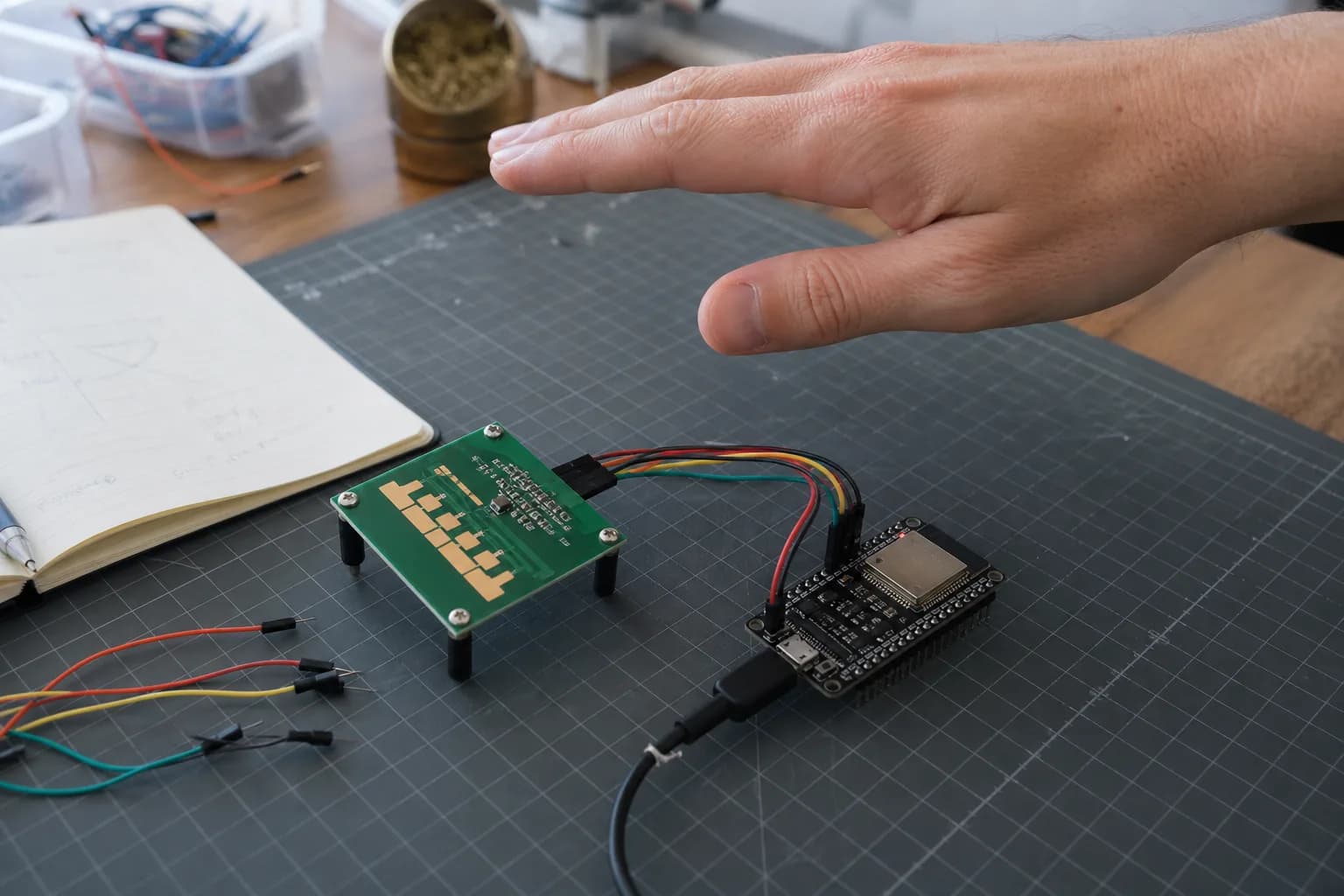
The first time I connected an mmWave radar module, I was surprised that it still reported a person while I sat almost motionless. A PIR sensor usually needs a clear thermal change. Radar can pick up much smaller motion, including breathing or a slight shift of the hand.
But “mmWave” on the box does not tell you everything the sensor can do. Detecting motion, recognizing gestures, and deciding whether a person is present are three different problems. A good firmware stack cannot turn a basic presence module into a swipe recognizer if the hardware and radar profile never expose the required data.
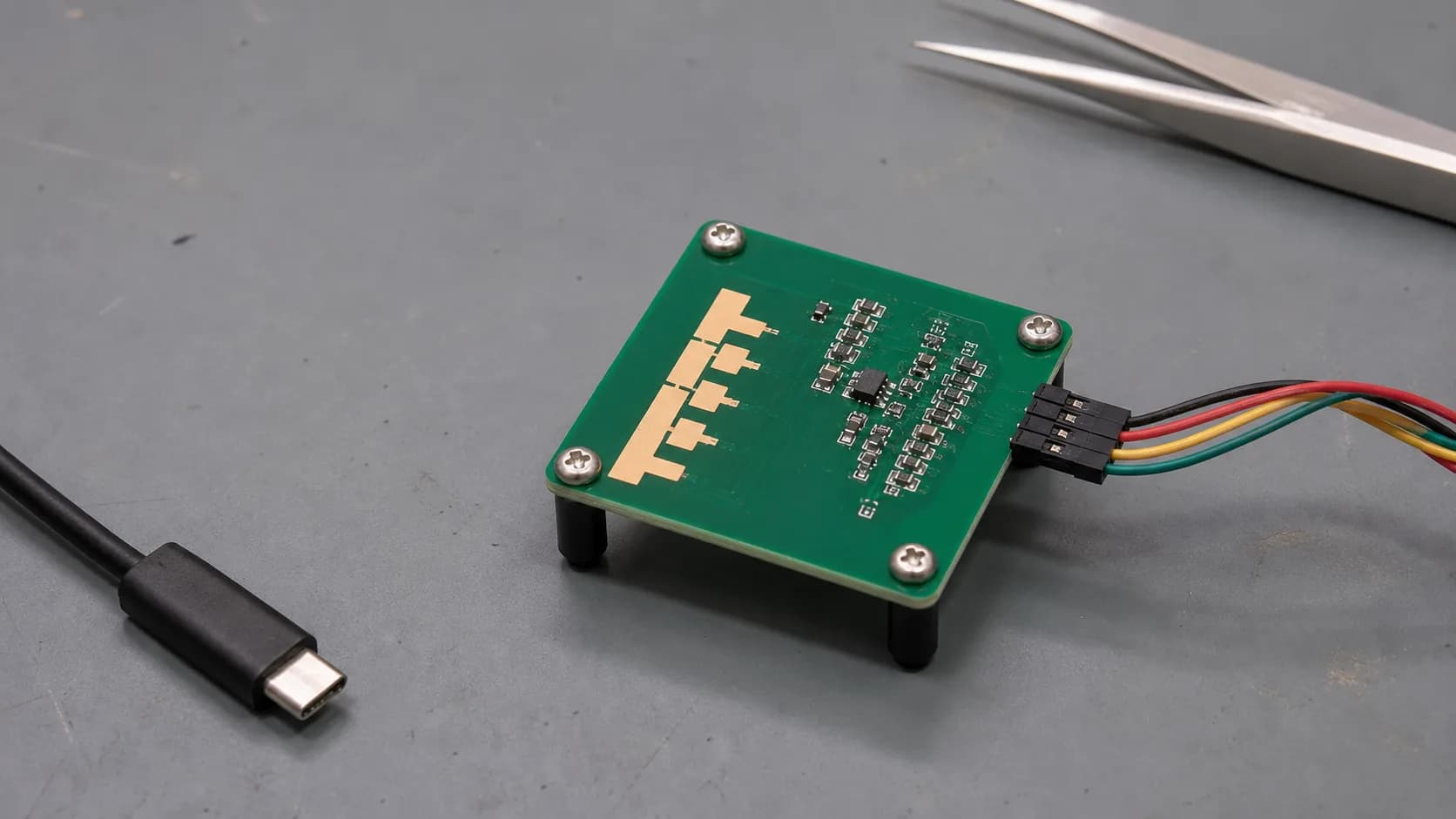
Two mmWave modules can expose very different outputs. Check the API and working examples before comparing frequency specifications.
What does mmWave radar measure?
The module transmits a sequence of radio waves and listens to reflections from objects in its field of view. Changes in frequency and phase let the processing chain estimate range, relative velocity, and sometimes target angle.
For a prototype, I care more about the module output than processing raw radar samples myself. Many presence modules run their own algorithm and report values over UART such as moving target, still target, distance, or energy in individual range gates. The ESP32 only needs to parse that output, stabilize the state, and control the product.
A raw radar kit connected over SPI makes more sense when you want custom gesture recognition or direct control over chirps, frame rate, and DSP. That freedom comes with much more firmware and calibration work.
Motion, gesture, and presence are not interchangeable
| Problem | Output I actually need | Suitable example |
|---|---|---|
| Motion detection | Motion event, direction, or relative speed | Turn on a light as someone enters; touchless lid opening |
| Presence detection | Occupied state even while a person sits still | Keep office lights, a display, or HVAC active |
| Gesture detection | A gesture label from a short motion sequence | Swipe left/right or push to control an appliance |
Presence detection needs sensitivity to micro-motion, but it does not necessarily know that a hand moved left. Gesture detection has the opposite requirement: its algorithm must observe a sequence over time, usually at close range and at a higher frame rate. Infineon's 60 GHz XENSIV example recognizes swipe up, down, left, right, and push from 0.2-1 m, but it uses a dedicated gesture pipeline. That is not a default feature of every 60 GHz module.
The 24 GHz versus 60 GHz label does not make one module automatically better. Antennas, receive channels, onboard firmware, field of view, and regional radio approval all matter. I choose the use case and available API first, then compare frequency bands.
A presence prototype with ESP32
For keeping a desk light on while someone works, the LD2410 is an approachable test module because ESPHome has an official component. It separates moving and still targets and exposes distance, energy, and per-gate thresholds.
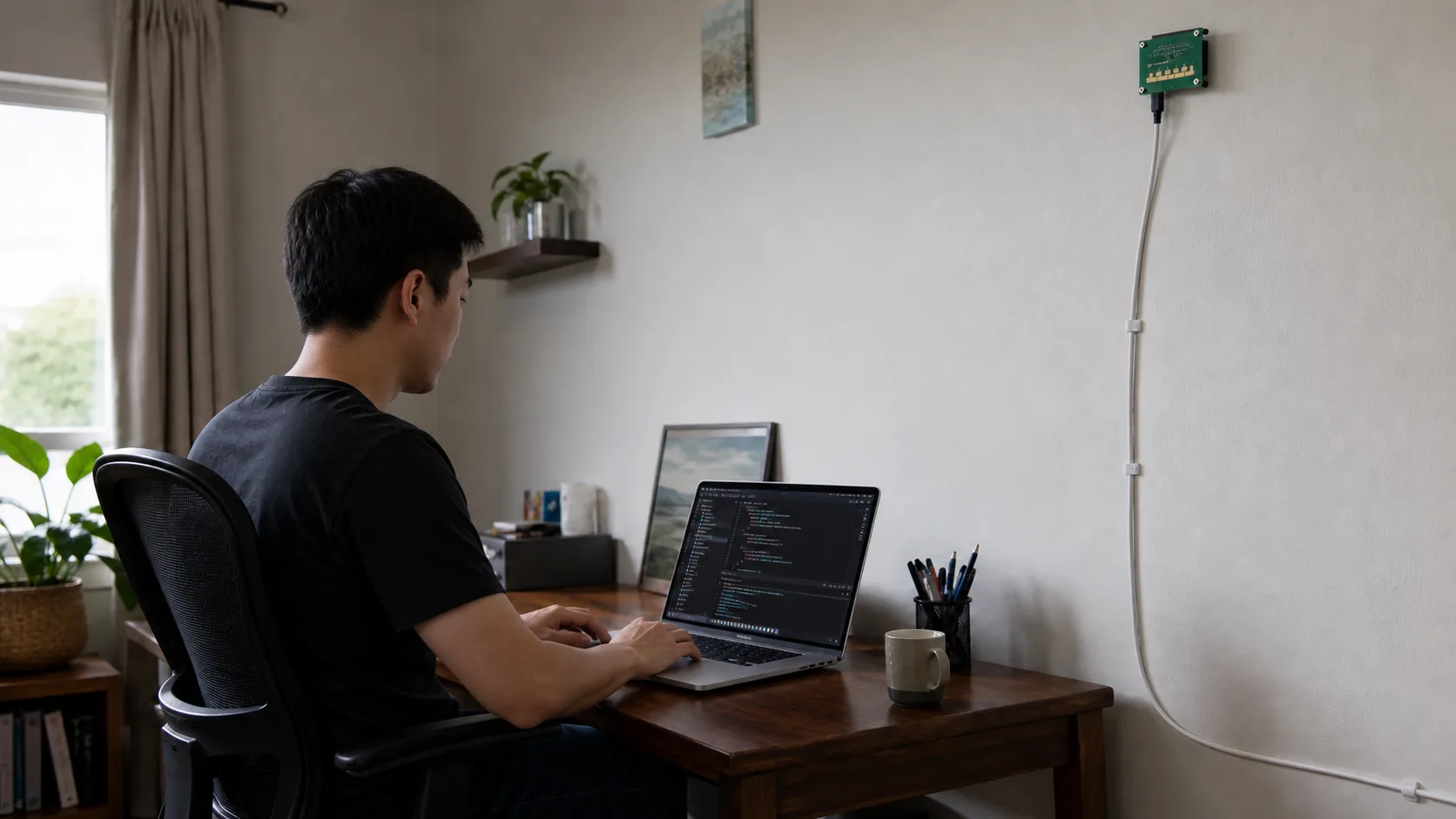
Mounting defines the area the radar can observe. A successful bench test does not replace tuning in the actual room.
A minimal configuration looks like this:
uart:
  id: radar_uart
  tx_pin: GPIO17
  rx_pin: GPIO16
  baud_rate: 256000
  parity: NONE
  stop_bits: 1

ld2410:
  uart_id: radar_uart

binary_sensor:
  - platform: ld2410
    has_target:
      name: "Desk Presence"
    has_moving_target:
      name: "Desk Moving Target"
    has_still_target:
      name: "Desk Still Target"
Those GPIO numbers are only an example; change them for your board and use a hardware UART where possible. At the default 256000 baud, a software UART is not something I would rely on for the final device.
I would not connect the raw presence state directly to a relay and call it done. A small state machine feels much better:
- Turn the device on immediately when either
movingorstillis detected. - When the room becomes clear, hold the occupied state for another 20-60 seconds.
- Turn off only if no target returns during that entire period.
- Give a door sensor or manual switch an explicit priority if one is present.
The hold time covers brief dropouts when a seated person changes posture. It also stops the automation from feeling nervous.
When the goal is gesture recognition
For gestures, I choose a kit with an example that recognizes the exact interactions I need, not merely a radar label in its datasheet. The usual pipeline captures radar frames, normalizes the samples, runs DSP or a classifier, and emits an event only after confidence and lockout checks pass.
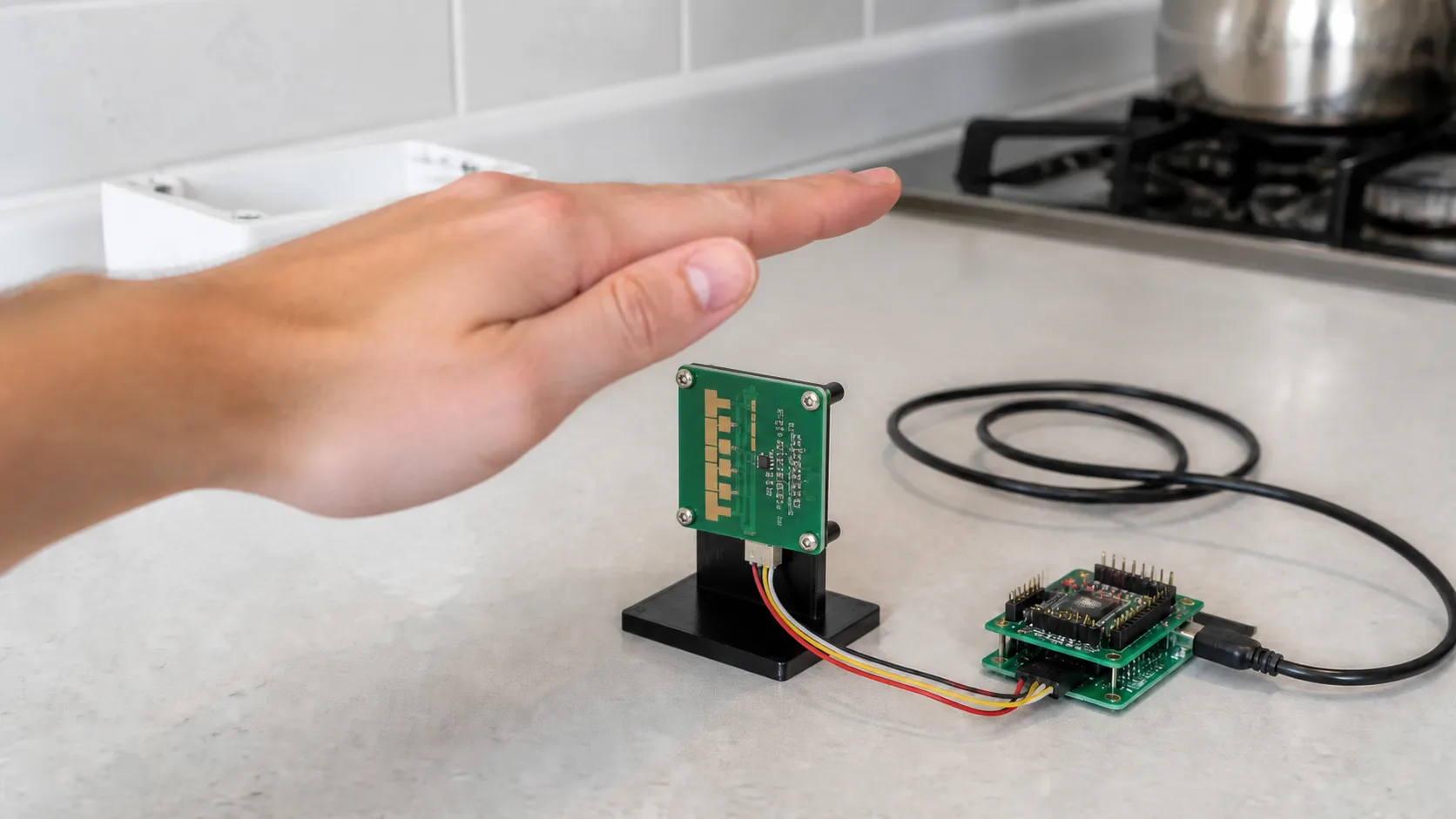
Gesture detection needs a time sequence and the right radar profile, not only an occupied or clear signal.
A touchless control prototype should begin with two or three clearly different commands, such as swipe left, swipe right, and push. Adding many similar gestures on day one makes data collection and threshold tuning much harder.
I also avoid running the gesture pipeline at full rate when nobody is near the product. The radar can stay in a lower-power presence profile, then switch to a faster gesture profile when a target enters the near zone. Infineon's presence example demonstrates this kind of runtime radar reconfiguration.
Tuning it in the real room
Radar often behaves nicely on the bench. Wall mounting reveals reflections from fans, curtains, doors, pets, or people just outside the intended area. This is the short checklist I use:
- Mount the module firmly so the PCB does not vibrate with a fan or speaker.
- Confirm the antenna direction instead of guessing from the USB connector.
- Record an empty-room baseline before changing thresholds.
- Limit near and far range gates instead of enabling the full range.
- Test all three states: walking, sitting still, and leaving the room.
- Test again after adding the enclosure. Thin plastic is usually easier than metal, but follow the module vendor's guidance.
- Store thresholds with the firmware version so a known-good setup can be reproduced.
Radar is not a camera, which improves privacy for many use cases, but presence history can still reveal how a room is used. If I send events to Home Assistant or a cloud service, I still keep only the data the automation genuinely needs.
What I would choose
For room automation, I would use a presence module with processed UART output, test it through ESPHome, and spend most of the effort on placement and thresholds. For a touchless HMI, I would move to a 60 GHz kit with a suitable gesture pipeline and working example code from the start.
The most useful decision happens before buying hardware: write down whether the product needs a motion event, occupied state, or gesture label. Once that output is clear, the rest of the prototype becomes much easier to reason about.
References
Share
Keep exploring
Read next
Related articles
A smart thermostat that learns how your room warms up
Notes on building an ESP32 smart thermostat that learns a room's heating rate, starts at the right time, and keeps safety control local.
Smart Garden: Soil, Light and Water Monitoring
How I built a small ESP32 smart garden to monitor soil moisture, light, and water, then irrigate a few balcony plants without turning the project into a tangle of wires.
Deep Dive: BLE Communication for IoT Devices
A practical guide to reliable BLE communication for IoT devices, covering GATT, packets, MTU, notifications, reconnection, security, and power with ESP32 NimBLE.